
Foxtheon resources
Hybrid Power & Battery Storage FAQs
Find answers about Foxtheon EnergyPack battery energy storage systems and HybridPack hybrid generators, from system sizing to equipment support.
Choose a system
What is the difference between EnergyPack and HybridPack?
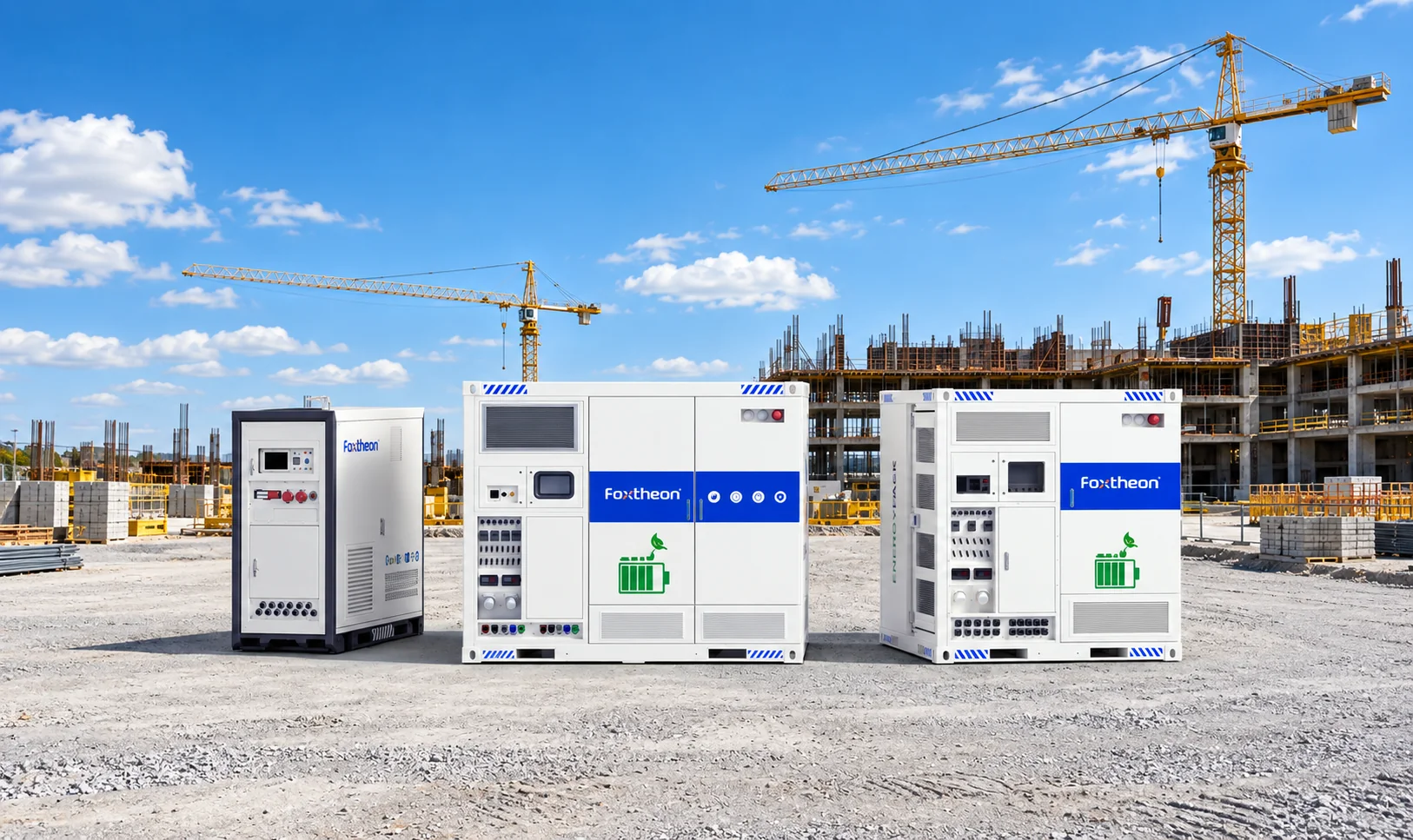
EnergyPack is a battery energy storage system that can be configured to work with other power sources. HybridPack combines a generator and battery storage in one system. The right starting point depends on whether you plan to keep an existing generator or need an integrated system.
Can I use EnergyPack with my existing diesel generator?
EnergyPack can work with a compatible generator. Share the generator make, model, rating and control interface so Foxtheon can assess the integration for your site.
Can I add solar to a hybrid power system?
Solar can be part of a hybrid configuration. Share your existing or planned solar capacity, inverter details and site layout so the project team can assess how it would connect.
Plan a project
How long can a battery system power my site?
Battery-only runtime depends on usable battery capacity and average site demand. Divide usable energy in kWh by average demand in kW for a rough estimate. For example, 80 kWh of usable energy at an average load of 20 kW gives about four hours before accounting for system losses and reserve settings. Check peak and starting loads separately against the system power rating.
What information do I need to size a system?
Start with your peak load in kW, daily energy use in kWh and operating hours. A time-stamped load profile is especially useful if demand varies or equipment has high starting loads. Include any grid, generator or solar sources already on site.
How can I estimate fuel savings for my site?
Use your current fuel use, generator run hours and load profile as the baseline. Ask for a comparison of expected fuel use under the same site conditions with the proposed hybrid setup.
How do I request pricing and a delivery estimate?
Send your project location, target delivery date, application and preferred model if known. Include your load profile if you need help choosing a system. Ask for a quote that identifies the equipment and services included.
Operate and maintain
How do I get the manual for my unit?
Contact Service & Support with your model and serial number so the team can identify the documentation for your unit.
What should I include when reporting a fault?
Provide the model, serial number, site location, alarm code, and when the issue began. Include screenshots or logs if available. This gives the support team a starting point for diagnosis.
Where can I check warranty coverage or request spare parts?
Use your unit’s warranty documents to check coverage. For a coverage question or parts request, share the model and serial number with Service & Support, along with the part number if available.
Talk to Foxtheon
Need help with your next step?
Planning a project?
Share your site location, load profile and power sources so we can discuss a suitable configuration.
Discuss your projectAlready using Foxtheon equipment?
Have your model and serial number ready for help with manuals, faults or spare parts.
Get equipment support